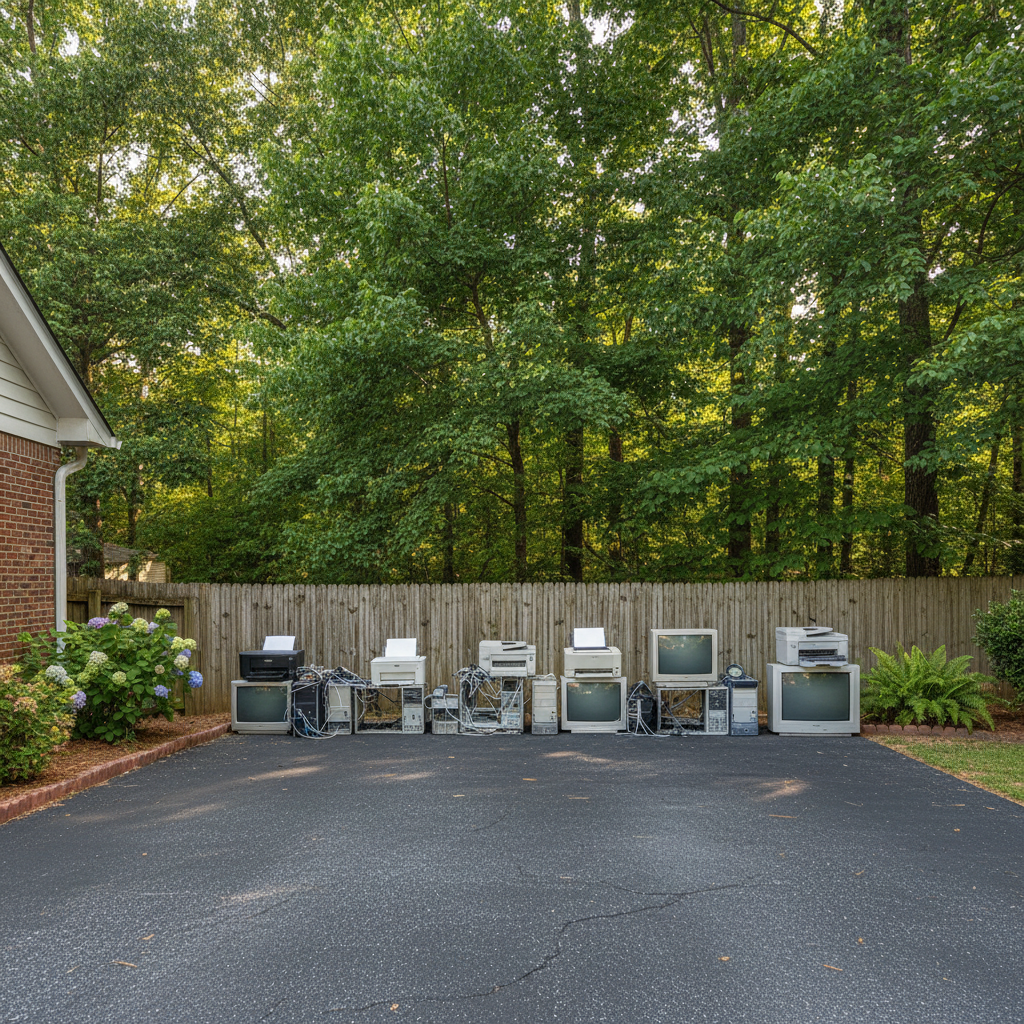
You know, it's a real shame how quickly some electronics seem to kick the bucket these days. Folks are always calling us at Fayetteville Junk Removal about old TVs, computers, and appliances that just gave up the ghost. But a lot of the time, with a little care, you could squeeze a lot more life out of your gadgets. It's not just about saving money; it's also about reducing waste. Let's talk about how to keep your electronics humming along.
Extend Your Electronics' Lifespan
The biggest enemy of electronics around here, especially with our humid Fayetteville weather, is often heat and dust. You've got to give your stuff room to breathe. Don't cram your computer tower into a tight cabinet or stack books on top of your game console. Make sure air vents are clear. Dust acts like an insulator, trapping heat inside, and that's a killer for sensitive components.
Another thing I see folks overlook is power quality. We get some pretty wild thunderstorms in the Sandhills region, and power surges are no joke. A good surge protector isn't just a suggestion; it's practically a necessity for anything valuable you plug into the wall. And remember, a cheap power strip isn't the same as a surge protector. Read the labels.
For things like laptops and phones, don't let the battery completely drain all the time. Modern lithium-ion batteries prefer to be topped off regularly rather than run down to zero. And try to keep them out of direct sunlight or a hot car; extreme temperatures are terrible for battery life.
Regular Maintenance You Can Do
Honestly, most electronics don't need a ton of hands-on maintenance, but what they do need is important. Here's a quick rundown:
- Dusting: Every few months, grab a can of compressed air and blow out the vents on your computer, TV, game console, or receiver. You'd be amazed at the dust bunnies that come out. Just make sure to do it in a well-ventilated area, maybe even outside.
- Cable Management: This might sound trivial, but tangled, kinked, or pinched cables can cause all sorts of intermittent problems. Plus, it makes it harder for air to circulate. Take some time to organize your cables.
- Software Updates: For smart devices, computers, and even some smart TVs, keeping the software updated isn't just about new features; it's about security and performance. Updates often include bug fixes that prevent crashes or improve efficiency.
- Screen Cleaning: Use a microfiber cloth and a cleaner specifically designed for electronics screens. Don't spray cleaner directly onto the screen; spray it on the cloth first.
Warning Signs of Trouble
Your electronics usually give you hints when something's going wrong. Don't ignore these:
- Overheating: If your laptop feels scorching hot to the touch, or your gaming console's fan sounds like a jet engine, that's a big red flag. It means something's working too hard or not cooling properly.
- Strange Noises: Clicking, grinding, or unusually loud fan noises from a computer or hard drive are bad news.
- Slow Performance: While some slowdown is normal over time, a sudden, drastic drop in speed, frequent crashes, or freezing often points to a problem, whether it's software or hardware related.
- Flickering Screens or Distorted Images: This could be a cable issue, a graphics card problem, or even a failing display.
- Burning Smell: If you smell something burning, unplug that device immediately. That's a serious fire hazard.
When to Call a Professional (or Us!)
Look, I'm all for DIY, but some things are best left to the pros. If you're getting those warning signs and you've tried the basic maintenance, it might be time to call in someone who specializes in electronics repair. For instance, if your computer is constantly crashing, or your TV just won't power on, a local repair shop might be able to diagnose and fix it. Sometimes it's a simple component replacement that's cheaper than buying new.
However, if the repair cost starts getting close to the price of a new device, or if the item is just too old and outdated to be worth fixing, that's when you give us a call. We handle responsible electronics recycling for folks all over Fayetteville, from the older homes in Terry Sanford to the newer builds out by Hope Mills. We make sure your old, broken, or unfixable electronics are disposed of properly, keeping harmful materials out of our landfills. Don't just toss it in the trash; let us take care of it the right way.